So, almost every person reading this post will know that the 2020.1 release of Kali is the biggest update compared to the previous few releases. So I’m writing this post to share my own views about this particular release and this update is really an exciting one. So let’s get started.
The system specifications I’ve installed it are as follows:
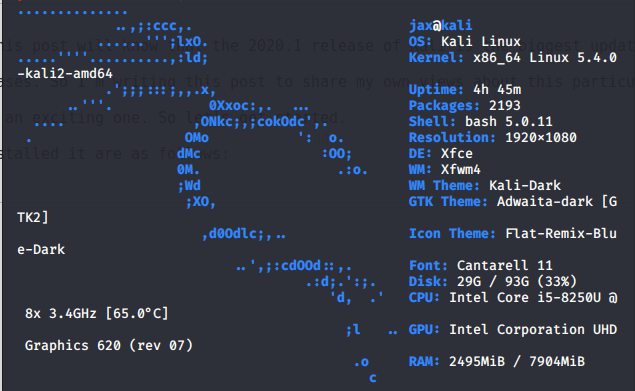
The system I’m currently using is Acer Nitro 5 Laptop with i5 8th generation processor and 2 GB Nvidia MX 150 Graphic Card with 8 TB of DDR4 Ram. The OS is installed on HDD and not SSD.
So, here was the system info that I’m using Kali on. Now let’s move to the part where I discuss my personal review of Kali 2020.1 release.
What’s new !
- The first and the biggest change that this release comes up with is default non-root user! All the previous versions had the root user as default user but this version has got it changed. Previously if you had to install TOR, you had to create a special non root user to do that but now we have non-root user as default which is kinda cool, but hey , we have to use sudo and type the password every time we need root permission, but still it’s cool.
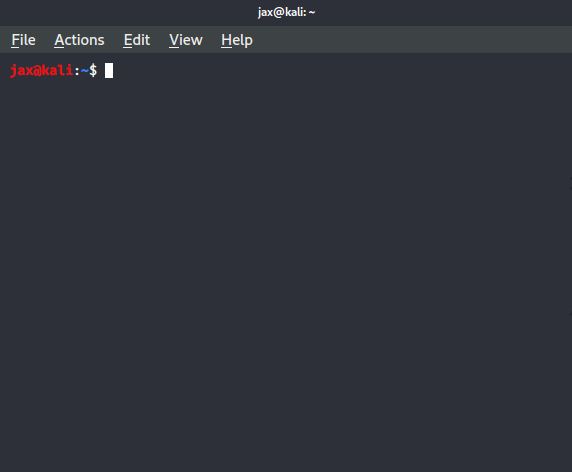
- Previously on booting the system, we had to select the user and type in the password which mainly was root user but now we have to type the username along with the password which for me provides extra security as previously if someone had access to our system, all he had to do was guess the password but now even if you know the common password that someone uses, you can access the system if you don’t know the username and I personally find it a good update.
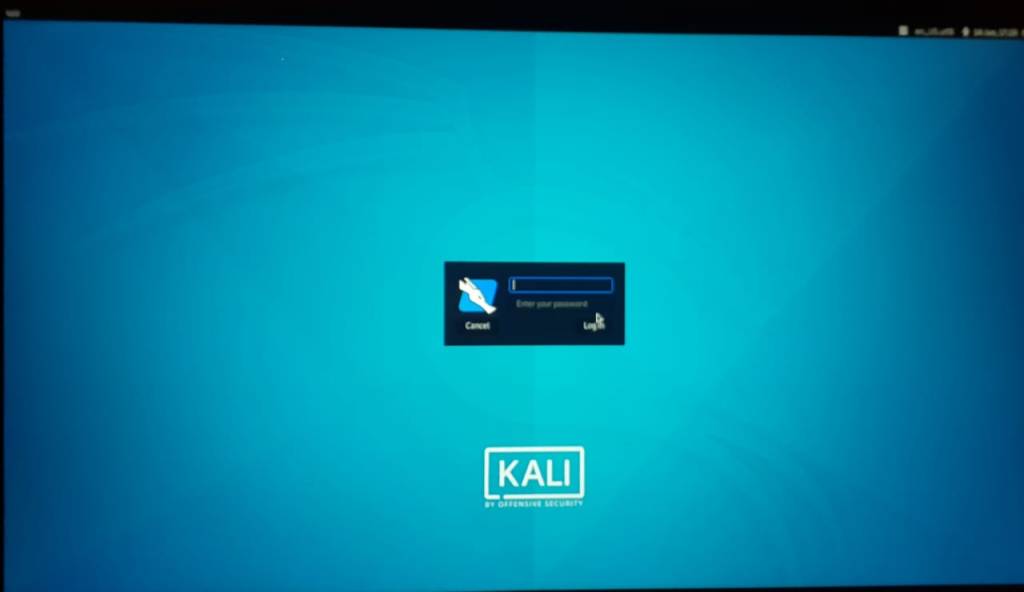
- The default desktop environment in the previous versions used to be gnome desktop environment which gave it a more user friendly and Ubuntu like look but now in this version, the default desktop environment is Xfce which makes this version more look like Parrot OS and personally, I find it less user friendly.
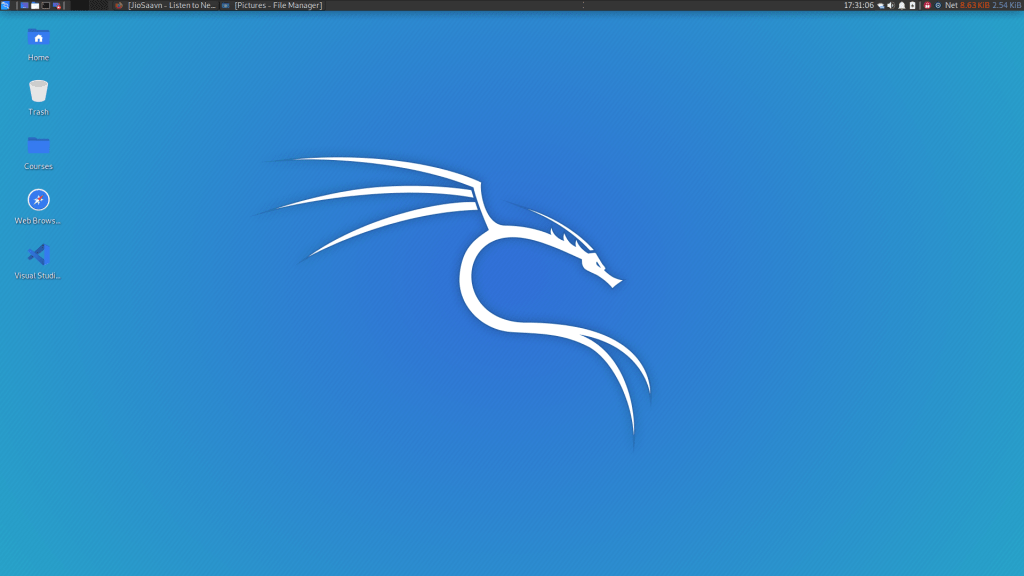
- The dock that previously used to be on the left side is sadly no more. Now the all application icon is on the top left of the screen along with a few more options like workspace manager, kazam, a screenshot and screen recording tool and file system icon. Personally, I liked the dock more but sadly it is no more in this Desktop Environment.

- 5. The all new grub boot loader! Though it is not much different but is a little differnt and nicer than it used to be.
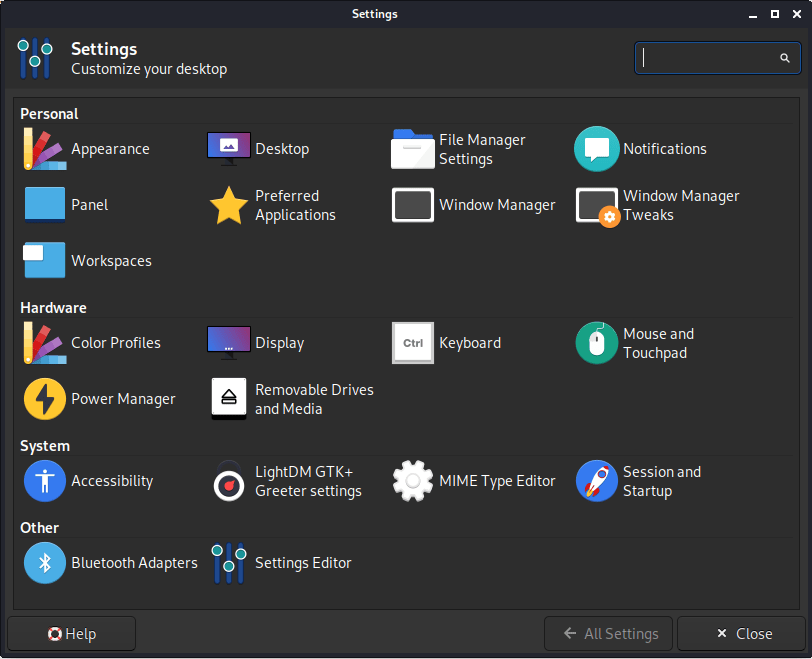
- 6. A whole new settings menu ! This is also a very major change. Previously, it used to be the same as Ubuntu’s settings manager but this one, it is completely new and many options are removed and the biggest one I found missing was the WiFi option which now can be accessed from the dashboard on top of the screen along with the date time options.
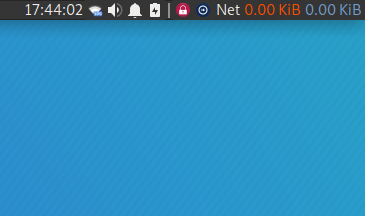
- 7. Adding the net speed in the dashboard! Now you can customize the upload and download speed in the dashboard and also select the interface for which you want to show the speed for and that’s a pretty cool feature which was missing in the previous versions of kali.
- 8. In the previous versions of kali, on a fresh install, user had to manually update sources.list with the official kali dependencies. Now you don’t have to do that anymore as you can now simply sudo apt update and boom, you are ready to go!
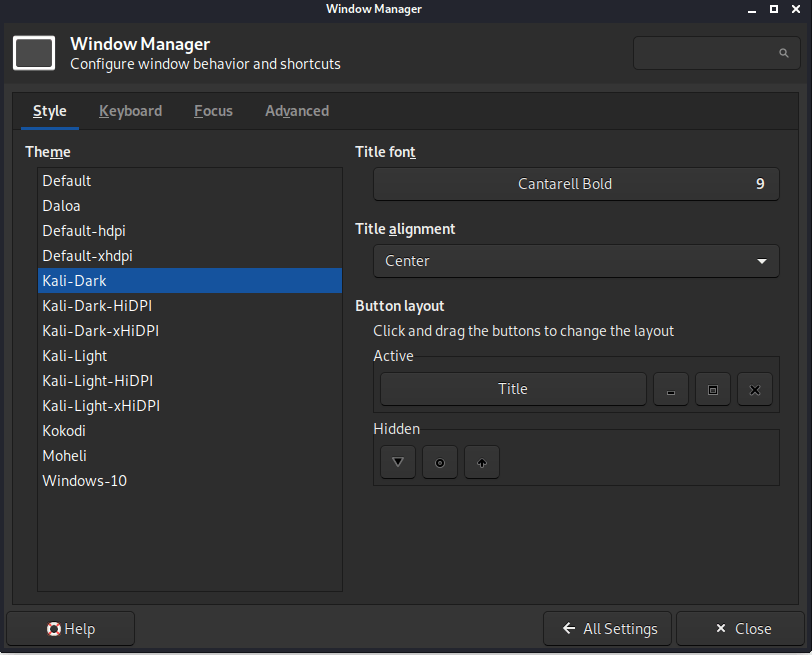
- 9. Can add windows 10 theme with windows 10 icons along with many other options. Dark mode is also available which I like the most, actually I love it.
- 10. The 2020.1 version also removes all those tools based on python 2 as python 2 reaches end of life as on January 2020. So, some of your favourite tools may not be available now. RIP python 2 and python 2 tools.
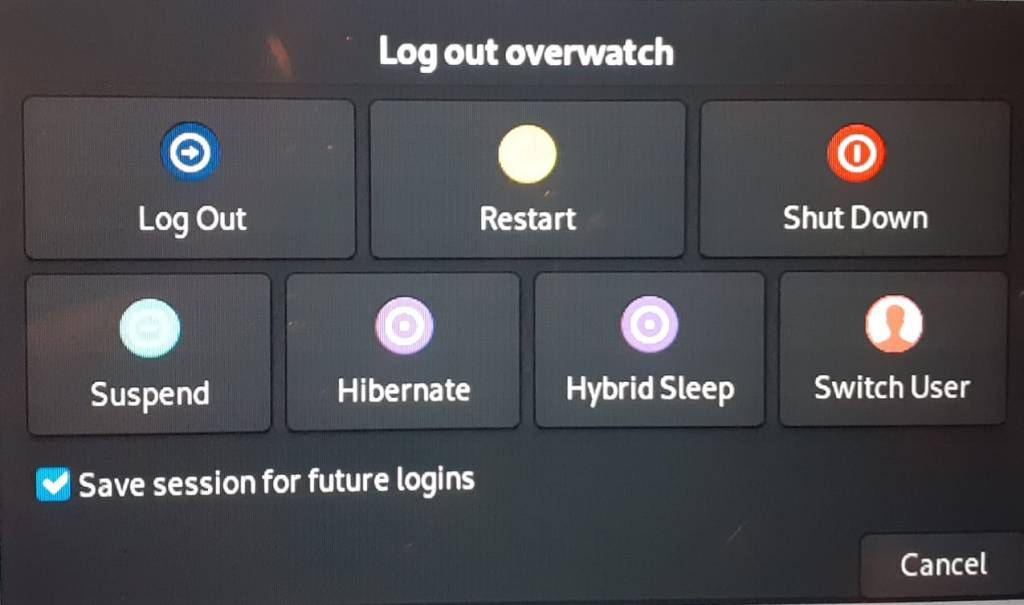
- 11. A few minor changes are also there like the menu icons are a bit changed, some tools like net-tools will only run as root, booting time is reduced and is a bit faster now, the shutdown menu is also improved with now the option of hybrid sleep included.
Personal views and problems faced.
Now that I’ve been using this version for quite sometime, there are a few problems that I’ve faced on this version. Some of them are as follows:
- First of all, I’m facing problem with the touchpad. The touchpad used to work flawlessly on the previous versions, but now some gestures don’t work and the biggest problem is the touch isn’t working, however cursor and right click and two finger slide gestures still work flawlessly. Currently, I’m unable to find a solution to this particular problem.
- The second problem I’ve faced is with those tools who run as root user. The problem is that when you run them as non-root, it shows command not found error. So when you waste time finding a solution why is it not found and finally find out that you have to run it as root and bash doesn’t tell that, you get really pissed off.
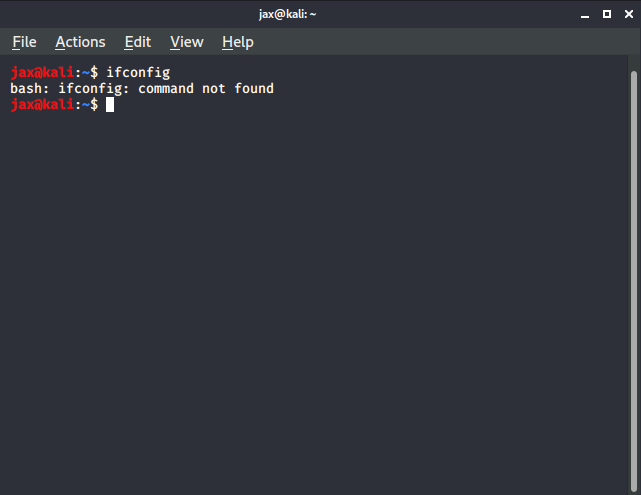
So, instead of telling to run it as root, it tells command not found which is really annoying as you really don’t know with which tool you would be facing this error with.
- Now in the previous versions, I faced a problem that my laptop wouldn’t shut down, so I had to forcefully shut it down. Thanks to the 2020 version I don’t have to face this problem anymore!
- In the previous versions, I faced a problem that whenever I tried to connect an external Wireless adapter, the OS wouldn’t detect it. The problem is now solved there in the 2020.1 release.
These last few problems I’ve mentioned are faced by me personally and you might not encounter them. But if you are also facing them or have solution to them, please let me know. Also let me know if you notice any other changes that I didn’t mention until then stay safe. The quieter you are, the more things you can hear!
 Singh-jp-7